

Logitech Combo Touch for iPAD Air
Combo Touch for iPad Air
- Multiple: Type, View, Sketch, Read
- Keyboard Type Detachable keyboard
- Backlit Keys Yes
- Power and Connectivity
- Power by iPad via Smart Connector
- Case
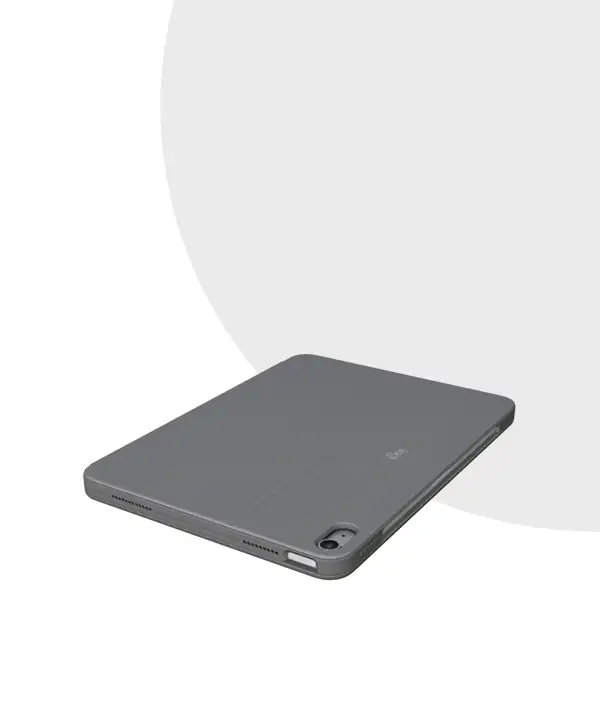
- Front, back and corner protection
- Access all ports: Camera /USB-C port
Description
Logitech Combo Touch for iPAD Air
Tech Specs
| Dimensions |
Combo Touch for iPad Pro 13-inch (M4)
Combo Touch for iPad Pro 11-inch (M4)
Combo Touch for iPad Pro 12.9-inch (5th & 6th)
Combo Touch for iPad Pro 11-inch (1st, 2nd, 3rd & 4th )
|
| Modes | Multiple: Type, View, Sketch, Read |
| Keyboard Type | Detachable keyboard |
| Backlit Keys |
|
| Viewing Angles |
|
| Power and Connectivity |
|
| Case |
|
| Keyboard |
|
Sustainability |
|
| Logitech Control App | – |
Part Number |
|
| Compatible devices |
Combo Touch for iPad Pro 13-inch (M4) & iPad Pro 12.9-inch (5th& 6th gen)iPad Pro 13-inch (M4)
Model: A2925, A2926, A3007 iPad Pro 12.9-inch (6th gen)
Model: A2436, A2764, A2437, A2766 iPad Pro 12.9-inch (5th Gen)
Model: A2378, A2461, A2379, A2462 Combo Touch for iPad Pro 11-inch (M4) & iPad Pro 11-inch (1st, 2nd,3rd, & 4th gen)iPad Pro 11-inch (M4)
Model: A2836, A2837, A3006 iPad Pro 11-inch (4th gen)
Model: A2759, A2435, A2761, A2762 iPad Pro 11-inch (3rd Gen)
Model: A2377, A2459, A2301, A2460 iPad Pro 11-inch (2nd Gen)
Model: A2228, A2068, A2230, A2231 iPad Pro 11-inch (1st Gen)
Model: A1980, A2013, A1934, A1979 |
| Compatibility |
iPad Pro 13-inch (M4), iPad Pro 12.9-inch (5th & 6th gen)
iPad Pro 11-inch (M4) & iPad Pro 11-inch (1st, 2nd, 3rd & 4th gen).
|
| In the Box |
|

Logitech Combo Touch for iPad Air Price in Bangladesh
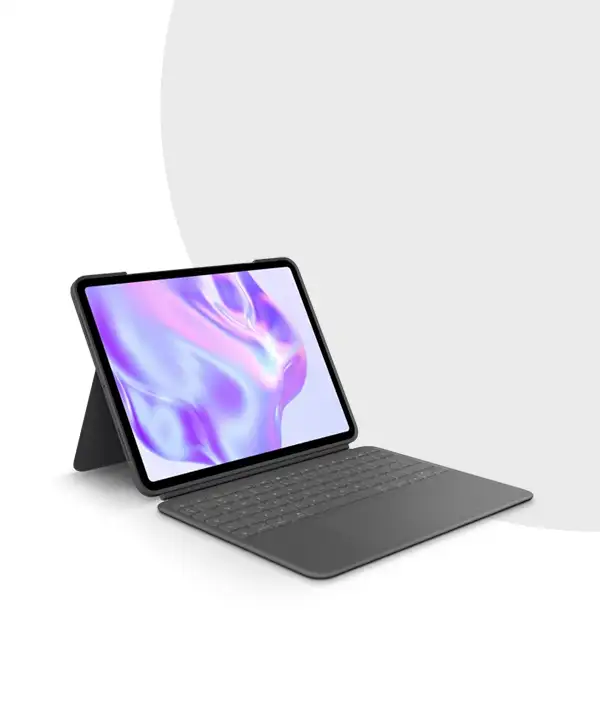
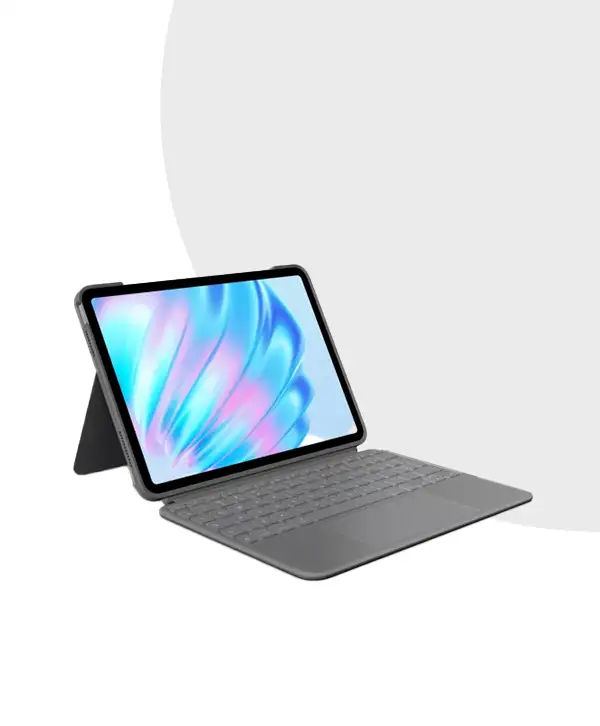
Are you looking for a way to transform your iPad Air into a productivity powerhouse? The ideal remedy is the Logitech Combo Touch for iPad Air. This cutting-edge accessory combines a premium detachable keyboard with a protective case, offering unmatched versatility and ease of use. Whether you’re typing an important document, sketching your next big idea, or watching your favorite show, the Combo Touch has you covered.
With features like backlit keys, multiple usage modes, and robust case protection, the Logitech Combo Touch is designed to enhance your iPad experience while keeping it safe and stylish.
Key Features of the Logitech Combo Touch
1. Four Functional Modes for Every Need
The Logitech Combo Touch is built with flexibility in mind. It offers four usage modes:
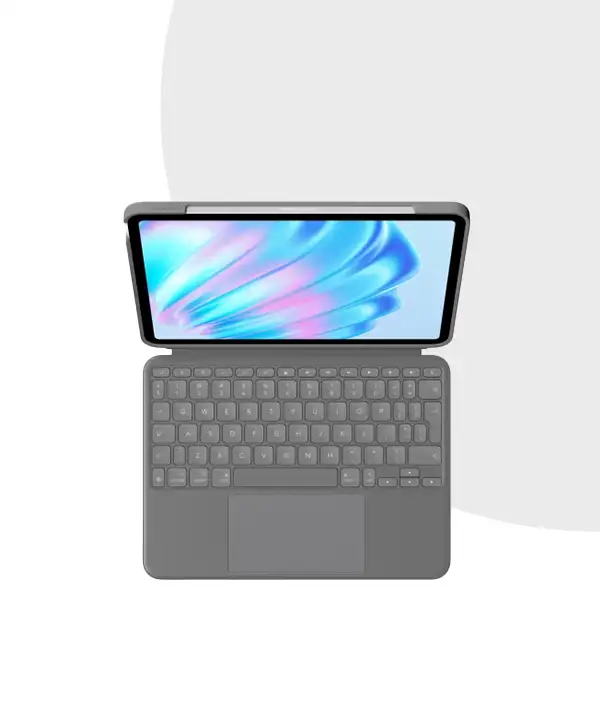
- Type Mode: Ideal for typing long documents, emails, or even essays.
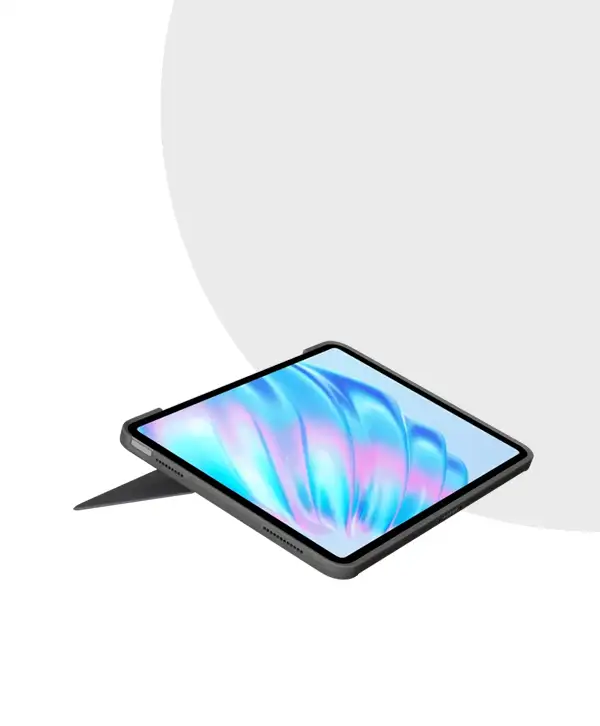
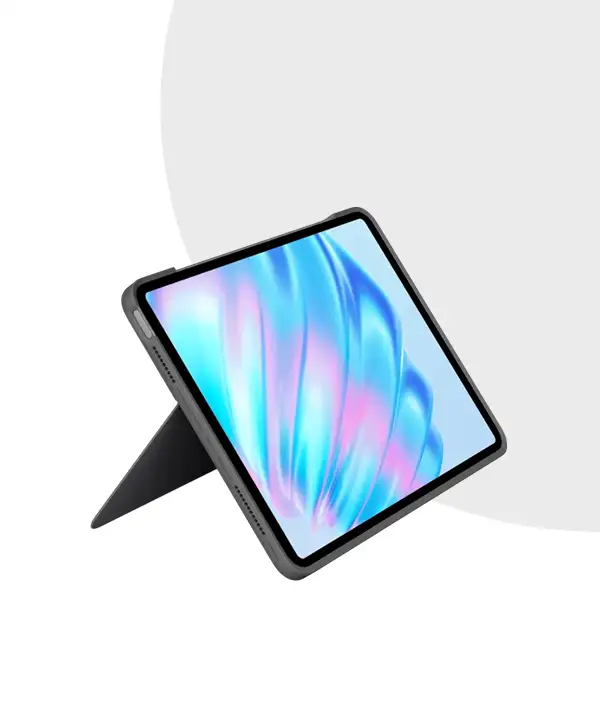
- View Mode: Adjust the stand to the perfect angle for watching videos or making video calls.
- Sketch Mode: Fold the keyboard back to create a flat, sturdy surface for drawing or writing.
- Read Mode: Detach the keyboard entirely and enjoy your iPad in its most lightweight form for reading.
2. Detachable Keyboard with Backlit Keys
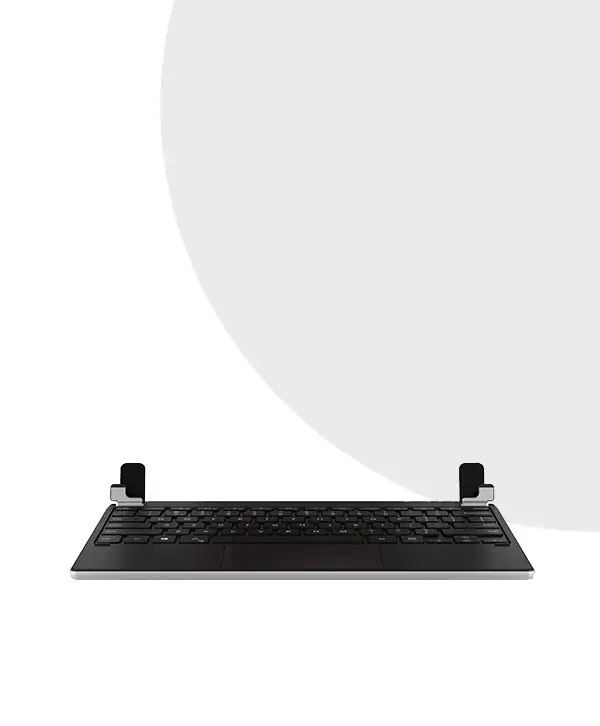
The Combo Touch keyboard is detachable, making it easy to switch between typing and other activities. The backlit keys ensure you can work comfortably even in low-light environments. With adjustable brightness levels, this keyboard provides a laptop-like typing experience on your iPad.
3. Smart Connector for Seamless Power and Connectivity
Say goodbye to charging cables and batteries. The Combo Touch uses Smart Connector technology to draw power directly from your iPad. Simply snap it into place, and you’re ready to work—no pairing or charging required.
4. All-Around Protection
Your iPad Air is protected on the front, back, and corners by the protective case. Whether you’re carrying it in your bag or using it at your desk, the durable design ensures your iPad stays safe from scratches, bumps, and accidental drops.
5. Easy Access to All Ports and Features
The Logitech Combo Touch is thoughtfully designed to give you unhindered access to your iPad’s camera, USB-C port, and buttons. You can charge, take photos, or adjust volume without ever removing the case.
Compatibility and Models
The Logitech Combo Touch is compatible with several iPad models, including:
- iPad Air (5th Generation)
- 11-inch iPad Pro (1st, 2nd, and 3rd Generation)
- 12.9-inch iPad Pro (3rd, 4th, and 5th Generation)
Its universal design ensures a snug fit and reliable functionality for these specific devices.
Why Choose Logitech Combo Touch?
Your iPad experience will be enhanced by purchasing the Logitech Combo Touch. This illustrates why the investment is worthwhile:
- Versatility: Use a variety of modes to easily transition between work and play.
- Durability: Built to last, offering excellent protection for your iPad.
- Convenience: Easy-to-use features like Smart Connector and backlit keys enhance your workflow.
- Portability: Lightweight and slim, it’s perfect for carrying to work, school, or anywhere on the go.
Why Buy from MC Solution BD?
At MC Solution BD, we are committed to delivering high-quality tech accessories to meet your needs. When you purchase the Logitech Combo Touch from us, you’re guaranteed:
- Authentic Products
- Competitive Pricing
- Exceptional Customer Service
Don’t miss the chance to upgrade your iPad experience. Contact MC Solution BD today for more details or to place your order.
FAQs
Q1. Can the Logitech Combo Touch work with older iPads?
The Combo Touch is designed specifically for select iPad Air and iPad Pro models. Check compatibility before purchasing.Q2. How do the backlit keys work?
For the best visibility in any lighting situation, the keyboard has movable backlighting.Q3. Is the case bulky?
No, the Logitech Combo Touch offers robust protection without adding unnecessary bulk. It is perfect for travel because it is lightweight and thin.Q4. Do I need to charge the keyboard?
No, the keyboard connects via the Smart Connector, drawing power directly from your iPad Air.Q5. How can I purchase the Logitech Combo Touch?
You can buy the Logitech Combo Touch for iPad Air from MC Solution BD. Contact us for pricing and availability.
The Logitech Combo Touch will increase your productivity while safeguarding your iPad Air. Perfect for work, creativity, and entertainment, it’s the ultimate accessory for your device. Order now from MC Solution BD!











Reviews
There are no reviews yet.